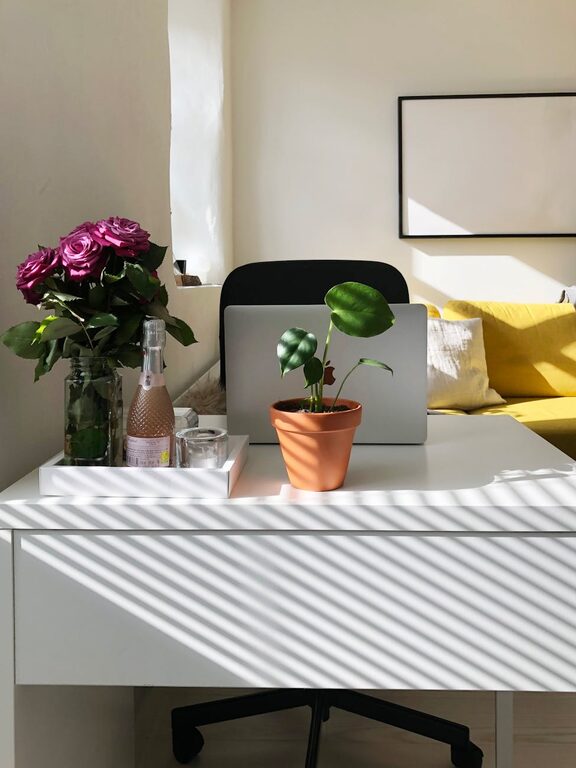
Creating a home office space that is both cozy and functional can significantly improve your work-from-home experience. A well-designed workspace not only boosts productivity but also helps maintain a healthy work-life balance. If you’re looking to set up or refresh your home office, here are some practical tips to create a comfortable and efficient space.
Choose the Right Location
Finding the ideal spot for your home office is the first step. Consider the following:
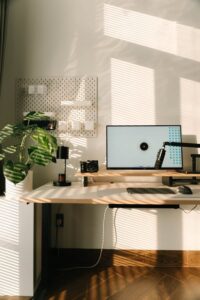
– Natural Light: Position your desk near a window to take advantage of natural light. This can improve mood and reduce eye strain.
– Quiet Area: Pick a space away from household distractions like the living room or kitchen.
– Space Constraints: If you’re tight on space, a corner or nook can be transformed with the right furniture and layout.
Invest in Ergonomic Furniture
Comfort is key during long working hours. Ergonomic furniture supports your posture and reduces discomfort.
– Ergonomic Chair: Choose a chair with adjustable height, lumbar support, and comfortable cushioning.
– Desk Height: A desk at the right height prevents strain on your wrists and back.
– Footrest: If your feet don’t firmly reach the floor, a footrest can help with posture.
Optimize Lighting
Good lighting prevents fatigue and creates a warm atmosphere.
– Task Lighting: Use a desk lamp with adjustable brightness for focused work.
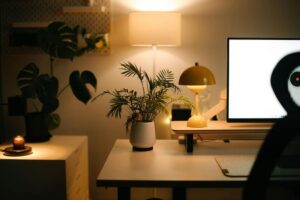
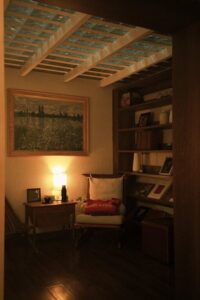
– Ambient Lighting: Incorporate soft overhead or floor lamps to create a cozy ambiance.
– Avoid Glare: Position screens to avoid reflections from windows and lights.
Organize with Smart Storage Solutions
Keeping your workspace tidy enhances focus and efficiency.
– Shelves and Cabinets: Use vertical space to store books, files, and supplies.
– Drawer Organizers: Sort small items like stationery to reduce clutter.
– Cable Management: Use clips or boxes to keep cords neat and out of the way.
Personalize Your Space
Adding personal touches can make your office inviting and motivating.
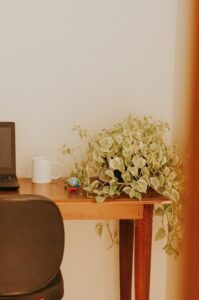
– Plants: Indoor plants improve air quality and add visual interest.
– Artwork or Photos: Display pieces that inspire or bring joy.
– Color Scheme: Choose calming or inspiring colors that suit your taste.
Incorporate Technology Efficiently
Your tech setup should be functional yet unobtrusive.
– Monitor Stands: Raise screens to eye level to reduce neck strain.
– Wireless Devices: Minimize cables with wireless keyboards, mice, and printers.
– Charging Stations: Keep gadgets powered and organized with dedicated stations.
Maintain a Healthy Work Environment
A cozy office is also one that supports your well-being.
– Air Quality: Use a small air purifier or open windows regularly for fresh air.
– Break Space: Include a small area or chair for short breaks to recharge.
– Sound Control: Use noise-canceling headphones or soft fabrics like rugs and curtains to dampen noise.
Keep It Flexible
Design your home office so it can adapt to different tasks or needs.
– Adjustable Desk: Consider a sit-stand desk for varying your posture throughout the day.
– Multi-functional Furniture: Use storage that doubles as seating or a table.
– Clear Space: Ensure there is room to spread out when needed.
Final Thoughts
Creating a cozy and functional home office is about balancing comfort and efficiency. By thoughtfully considering location, furniture, lighting, organization, and personalization, you can build a space that supports your productivity and makes working from home enjoyable. Remember to update your office as your needs change, keeping it a pleasant and inspiring place to work.